
The simplest automation you can do today: email reply drafts
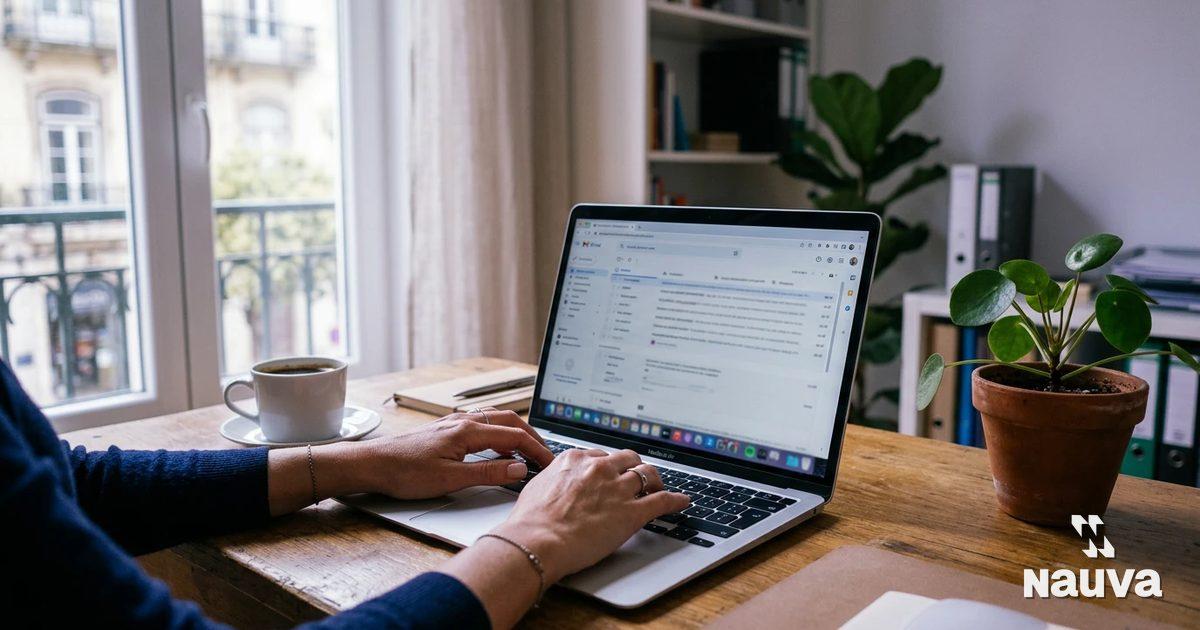
An email asking for a quote arrives at six in the evening. You are finishing the day, you still have two things to close, and the reply is left for tomorrow. Tomorrow three more arrive and the first one is still waiting.
This is where reply drafts help. It is one of the simplest automations you can get running in an SME and it was, in fact, one of the first requests we received from people who came to us. It does not touch the customer, does not force you to change processes and you notice it straight away: you always have a reply ready, and all you have to do is review it.
What it does
The automation watches your mailbox. When a request arrives, it works out what type it is (a quote, a question, a booking request), writes a reply with what it knows about your business and in the tone you set, and leaves it as a draft, without sending it.
Nothing goes out without passing through you. You open it, look, adjust if needed and send. Instead of starting from zero, you start with most of it done.
Why it is a good first step
It is easy to set up, because there are no complicated integrations and no processes to redesign. It brings value straight away, especially for anyone who receives many quote requests or the same questions every week. And it carries little risk: because it sends nothing on its own, a mistake by the automation stays in the draft and does not reach the customer.
There is also a less obvious advantage. By seeing which types of email come in, you see where the repeated questions are, and that tells you what is worth automating next. If you are deciding where to start, see where to start automating your SME.
What to prepare
Before setting it up, gather the most frequent types of email (quotes, bookings, questions about services, questions about opening hours) and write down, or collect, how you usually answer each one. That is where the automation learns the tone. It also needs the business information: services, terms, deadlines. The clearer it is, the better the draft.
Decide as well what should never be answered without a person. Complaints and unusual requests are good examples.
How it is set up
You usually connect the mailbox to an automation tool, such as Zapier or Make, which triggers a step whenever a message of a certain type arrives. There the email is analysed and the draft appears in your mailbox. You do not need to know how to code, but it helps to have someone follow the first few weeks.
Cautions
Always review before sending: the draft is a base, not the final reply. Think about what customer information passes through the automation and check it matches what you agreed with them. And adjust with use, because the first replies are never perfect. You keep correcting the tone and the information until it reads the way you would write it.
Frequently asked questions
Does the automation reply to customers on its own?
No. It leaves a draft for you to review. You only send when you agree.
Does it work with any type of email?
It works best with the ones that repeat: quotes, questions, bookings. Rare or delicate cases should still be answered by a person.
Do I need to know how to code?
Not to set up the automation, but it helps to have support in the first few weeks to fine tune it.